
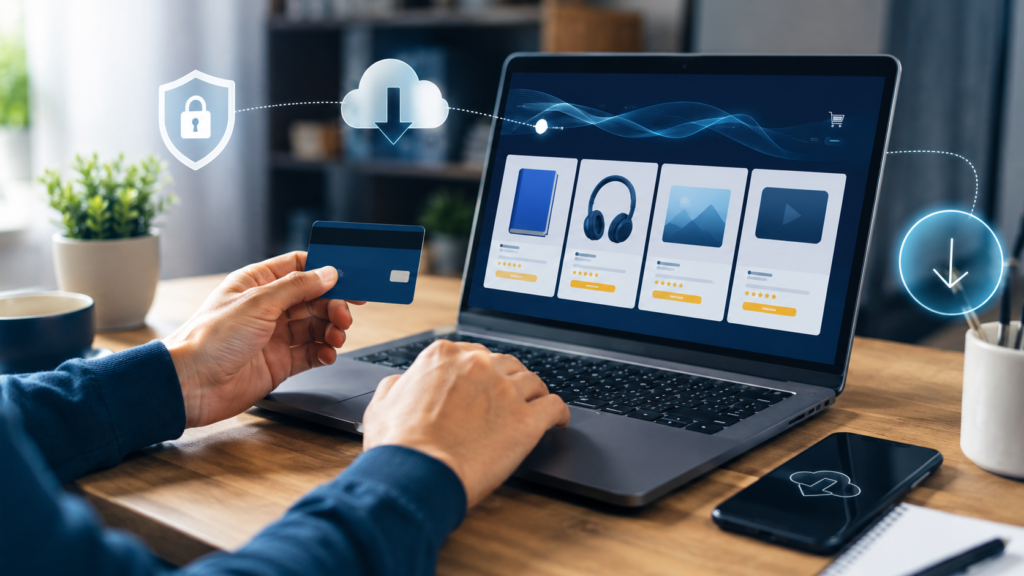
Learn how to buy digital products online safely, receive instant downloads, choose trusted stores, and avoid common mistakes with this simple guide.
Digital products are a simple and convenient way to access useful content instantly. Unlike physical products, they do not require shipping. After completing your purchase, you can download the file directly to your phone, tablet, or computer.
What Are Digital Products?
Digital products are files delivered electronically. They may include ebooks, printable planners, templates, guides, worksheets, courses, and other downloadable resources. You can purchase and use them from almost anywhere in the world.
How to Choose the Right Digital Product
Before buying, read the product title, description, and included features carefully. Make sure the product matches your needs and check the following details:
- File format
- Number of pages
- Language
- Product contents
- Device compatibility
- Download instructions
How to Buy a Digital Product Online
Buying a digital product is quick and easy. Visit the Shop page, choose the product you want, read its description, check the price, and click “Add to Cart.” Continue to checkout, enter the required information, and complete your payment. Always use a valid email address so you can receive your order confirmation and download information.
How to Download Your Purchase
After your payment is confirmed, you will receive access to your digital product. Click the download link and save the file in a safe folder on your device. PDF ebooks can normally be opened on a phone, tablet, or computer.
Important Tips
Use a valid email address during checkout, save a backup copy of your downloaded file, and check your spam folder if the order email does not appear. Always read the product description before purchasing, and do not share or resell digital files without permission.
How to Buy Digital Products Online Safely
Before purchasing a digital product, read the complete product description and check exactly what files are included. Confirm the file format, device compatibility, number of pages, and whether you need special software to open or edit it. Choose a store that provides secure payment options, clear contact information, and transparent refund terms. You should also check whether the download is delivered immediately after payment or sent by email. Keep your order confirmation and download link in a safe place. If the product is an editable Canva template, make sure you have a Canva account and understand how to create your own copy before making changes.
What Happens After Your Purchase?
When you buy digital products online, delivery is usually fast and automatic. After your payment is confirmed, the store should display an order confirmation page and send a receipt to the email address used during checkout. In most cases, you will receive a download button or a private link that gives you immediate access to the purchased files. Check your inbox and spam folder if the message does not arrive within a few minutes.
Download the product to your device and save a backup copy in a secure folder or cloud storage service. Some stores limit the number of downloads or the time during which the link remains active, so it is better to save the file as soon as possible.
Before opening the product, confirm that your device supports its format, such as PDF, ZIP, PNG, or a Canva template link. If the file is compressed, extract it before trying to use its contents. Never share private download links with other people, because digital products are protected by the seller’s license and copyright terms. If you experience a payment, download, or file problem, contact the store and include your order number, purchase email, and a clear description of the issue. These details help customer support verify the order and solve the problem faster.Following these steps will help you buy digital products online with confidence and avoid common problems.